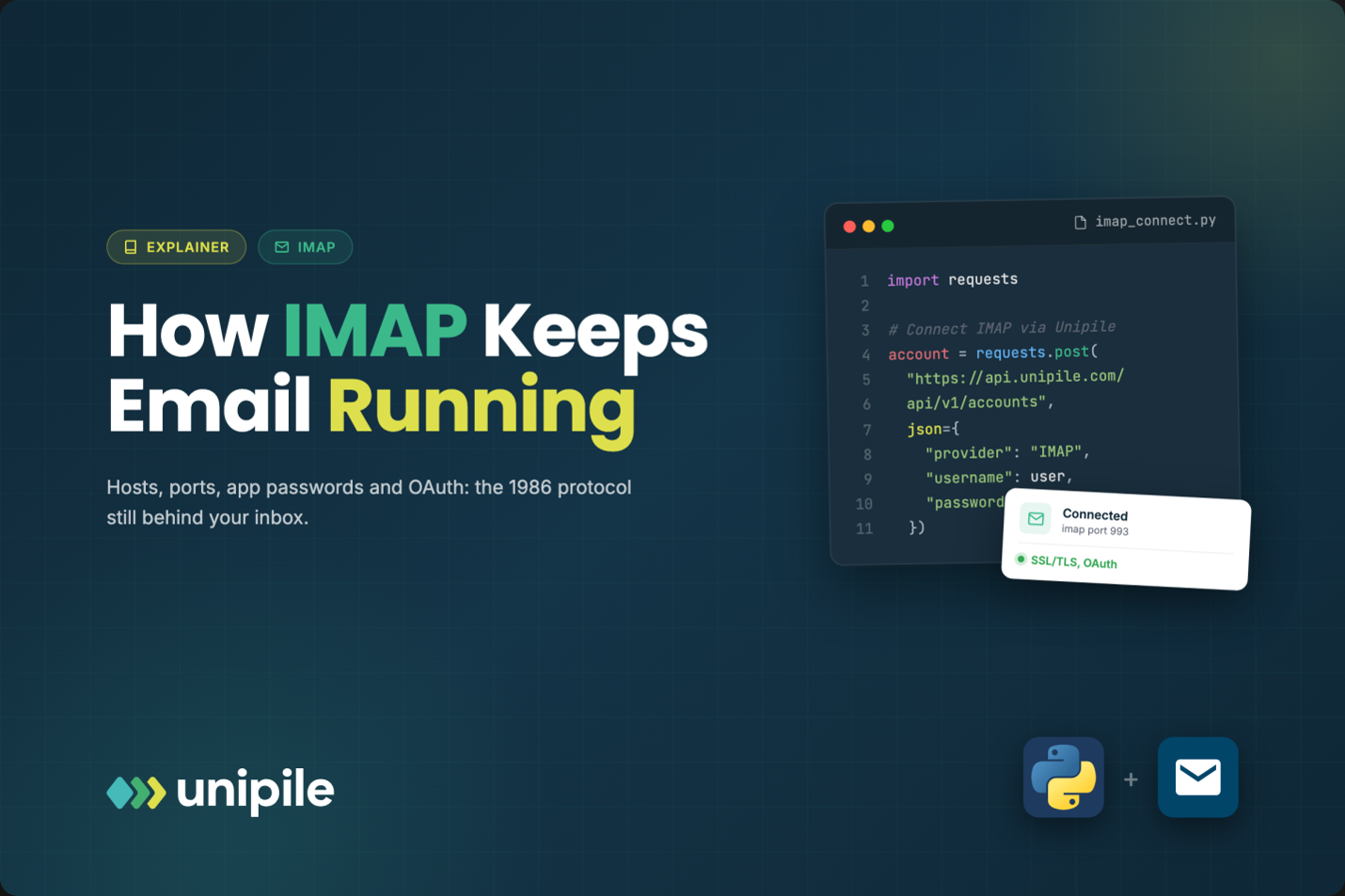
Open the mail app on your phone and, behind the clean interface, there is a good chance a conversation is happening in a language designed in 1986. IMAP predates the web browser, yet it still connects millions of mailboxes to the apps people use every day. Here is what it actually does, why your old email password stopped working in some apps, and what changes when a new tool asks to “connect your inbox”.
Introduction
Open the mail app on your phone and, behind the clean interface, there is a good chance a conversation is happening in a language designed in 1986. IMAP predates the web browser, yet it still connects millions of mailboxes to the apps people use every day. Here is what it actually does, why your old email password stopped working in some apps, and what changes when a new tool asks to “connect your inbox”.
Most people never type the word IMAP, but they rely on it constantly. It is the reason the same email shows as read on your laptop after you opened it on your phone, and the reason a calendar tool, a CRM, or an AI assistant can look into your mailbox once you allow it. If you have ever been asked for an “incoming server” and a “port number”, you have met it directly. For readers curious about how an app connects to any IMAP mailbox through a single API, this page is a good companion: https://www.unipile.com/communication-api/email-api/imap-api/. This article stays one level higher and explains what is going on and why it matters to you.
A protocol from the dial-up era
IMAP stands for Internet Message Access Protocol. It was designed at Stanford in 1986, years before the first web browser, when computers in a university could not always store their own mail. The core idea was simple and, at the time, unusual: keep the messages on the server and let any device look at them remotely.
Its older cousin, POP, did the opposite. It downloaded messages to one computer and often deleted them from the server. That worked when people had a single machine. It falls apart the moment you own a phone, a laptop, and a tablet, because each device ends up with a different version of your inbox.
IMAP has been revised several times since, but the model has not changed. The mailbox lives on the server. Your devices are windows onto it. Read, delete, move to a folder on one window, and the others reflect it. That design aged well, which is why almost every mail server in the world still speaks IMAP.
What happens when an app connects
When a mail app or a business tool connects to your mailbox over IMAP, it needs three pieces of information: where to knock, which door to use, and how to prove who you are.
Where to knock is the host name, something like imap.yourprovider.com. Which door is the port. Two are common. Port 993 opens an encrypted connection from the very first byte, which is what providers recommend today. Port 143 starts unencrypted and then upgrades with a command called STARTTLS. Both can be secure when configured properly, but 993 leaves less room for mistakes. When an app asks whether to use “SSL/TLS”, this is the choice it is making.
Sending is a separate job. IMAP only reads and organizes mail. Outgoing messages travel through another protocol, SMTP, with its own server name and port (often 465 or 587). This is why mail settings screens always ask for two servers.
The third piece, proving who you are, is where most of the change has happened in recent years.
Why your normal password stopped working
For decades, an app connected to your mailbox by sending your username and your actual password. It had obvious problems. Every app you configured held a copy of your main password. If one of them leaked it, an attacker could log in to everything. And the password bypassed protections like two-step verification, since the protocol had no way to ask for a code.
Providers responded in two waves. The first was app passwords: long, random codes you generate in your account settings, used for one app only, and revocable without touching your main password. Many providers still support them, often only when two-step verification is turned on. They are better than reusing your real password, but they remain secrets that can be copied.
The second wave is the one now reshaping email. Large providers have been switching off plain password sign-in for IMAP. Microsoft has disabled this kind of basic authentication for most protocols in its business email service, and Google has moved its Workspace accounts away from password-only access by third-party apps. If an older app suddenly refuses to sync, this is very often why.
From passwords to tokens: what OAuth changes
The replacement is OAuth, the same mechanism behind “Sign in with Google” buttons. Instead of handing your password to an app, you are sent to your email provider’s own page, you review what the app is asking for, and you approve. The provider then gives the app a token: a limited, revocable pass. For IMAP specifically, apps present that token through a method called XOAUTH2, so the old protocol keeps working while the risky part disappears.
For you, the practical differences are significant. The app never sees your password. You can see a list of connected apps in your account security settings and remove any of them at any time. And the consent screen tells you what kind of access you are granting, for example reading mail versus only sending it.
What to check before you click “connect”
Business software increasingly wants access to your inbox: a CRM that logs conversations with clients, a recruiting tool that tracks replies from candidates, an assistant that summarizes long threads. Many of these products do not build their own connections to every provider. They rely on specialized email APIs, services that handle the IMAP connections, the OAuth tokens, and the provider differences, and hand the product a clean, modern interface. Unipile, for instance, provides this for Gmail, Outlook, and IMAP mailboxes, acting on behalf of the user who granted access.
Whatever sits behind the app, a few habits keep you in control:
- Prefer apps that use your provider’s sign-in page rather than asking you to type your email password into their own form.
- Read the consent screen. Access to read all mail is a bigger grant than access to send only.
- If an app asks for an app password, generate a dedicated one and label it with the app’s name, so you can revoke it later.
- Review connected apps in your email account settings a few times a year and remove what you no longer use.
- For work accounts, expect your IT team to approve some apps first. That step exists to protect company data.
Why the old protocol will not disappear soon
It is tempting to see IMAP as a relic. It is better understood as infrastructure, like the plumbing in a building that gets new fittings rather than being torn out. Big providers offer their own modern APIs, but IMAP remains the shared language that lets any app talk to almost any mailbox, including those of small providers and company servers. What has changed is not the conversation itself, but the way apps are allowed to join it. The shift from passwords to tokens is making that forty-year-old protocol safer to live with for many more years.
https://smartsimiles.com/claude-sonnet-5-still-the-workhorse-a-year-later/